
Learn how to get the most out of Lucid with step-by-step guides, videos, tutorials, and walkthroughs for Lucid.
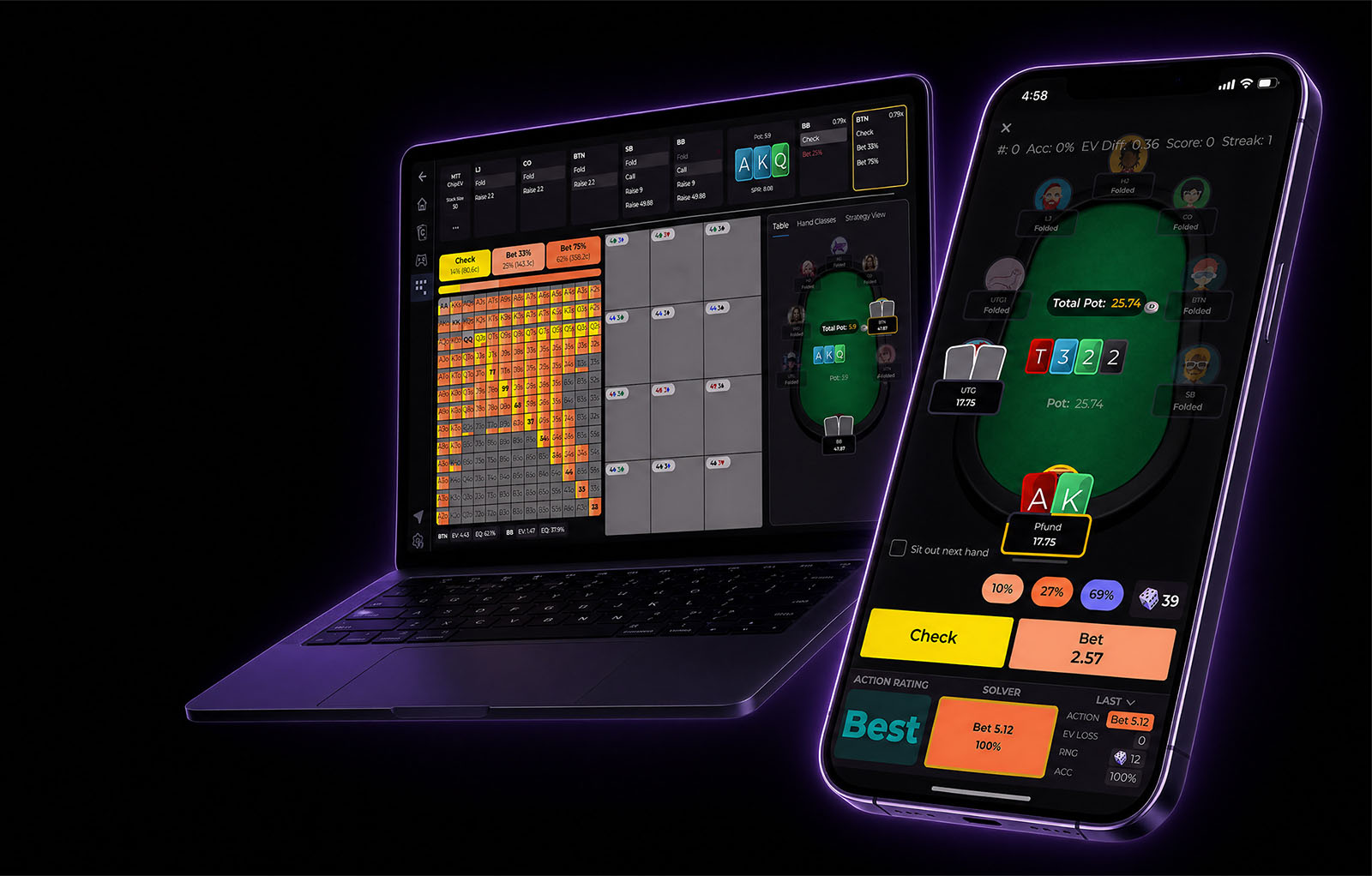
A quick walkthrough of the Lucid Poker app: what each feature does, what's free, and where to find everything on desktop and mobile.
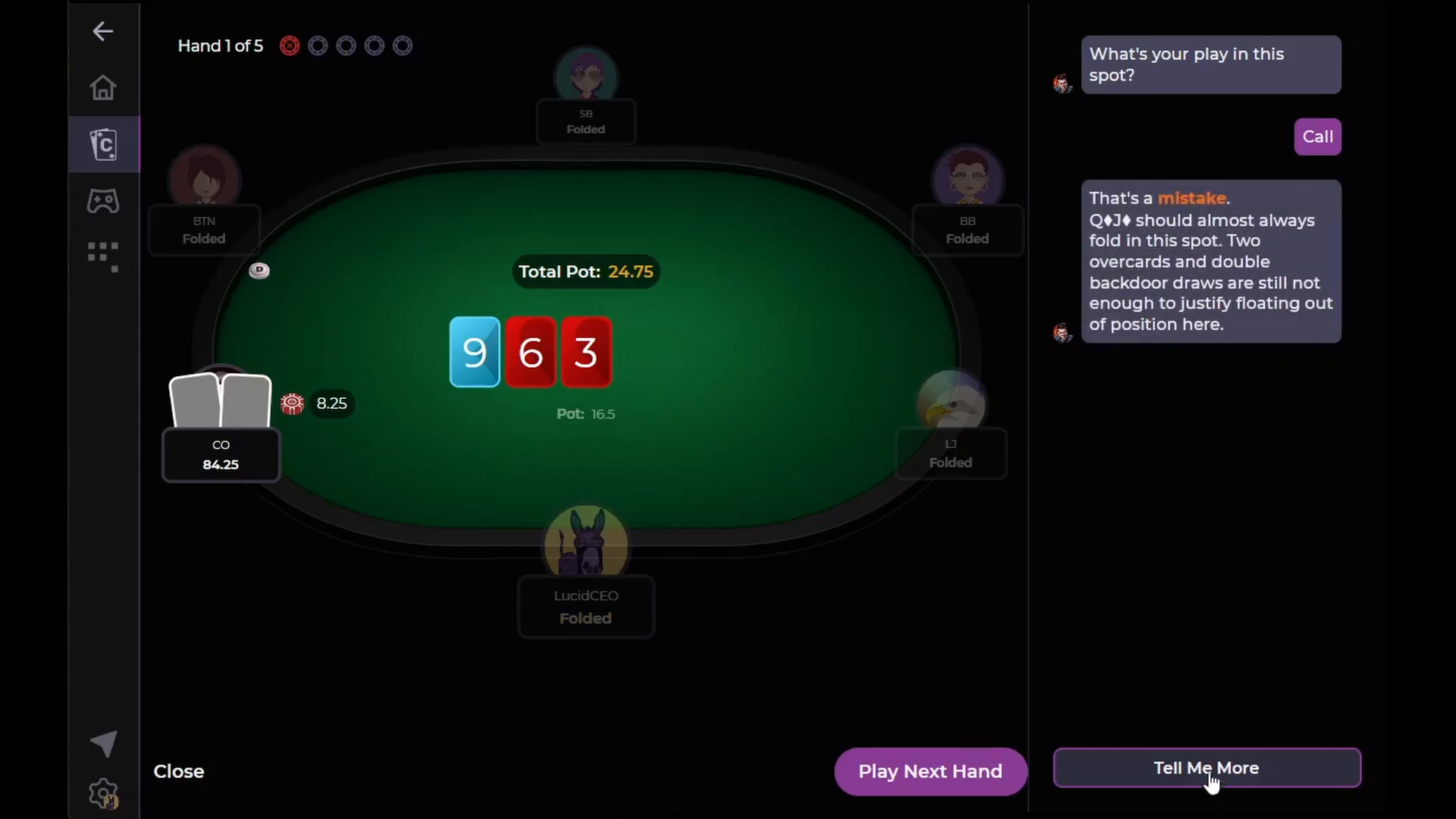
Cardle quizzes are themed five-hand sets with solver-verified decisions and written coaching explanations. Play today's free quiz from the home screen, or access 700+ archived quizzes with a Pro membership.
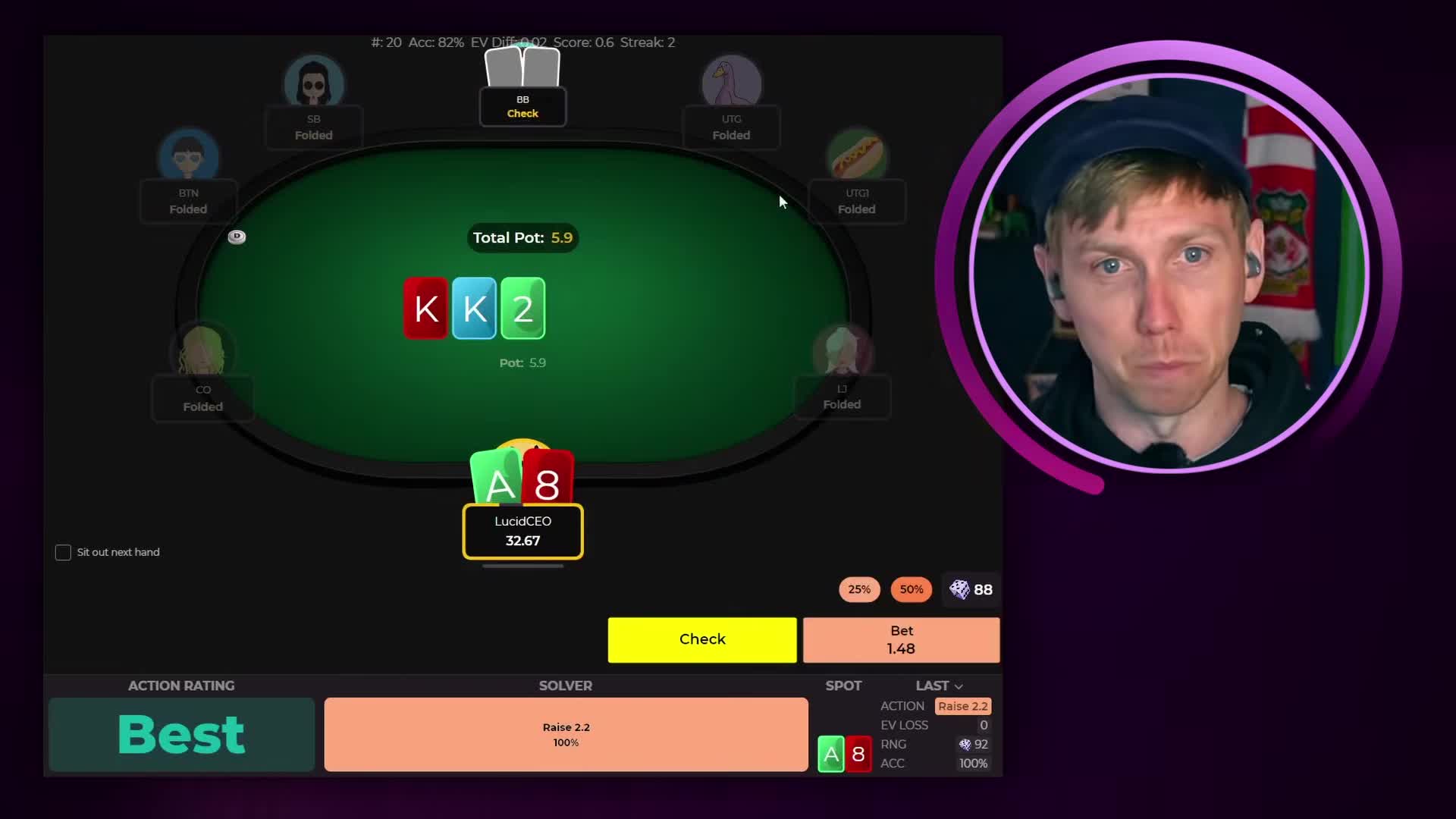
Lucid Poker Drills put you in real hands with instant GTO feedback after every decision. This article covers all three drill modes: Leaderboard Drills, the Preflop GTO Trainer, and Custom Drills, plus a full breakdown of the drill interface.
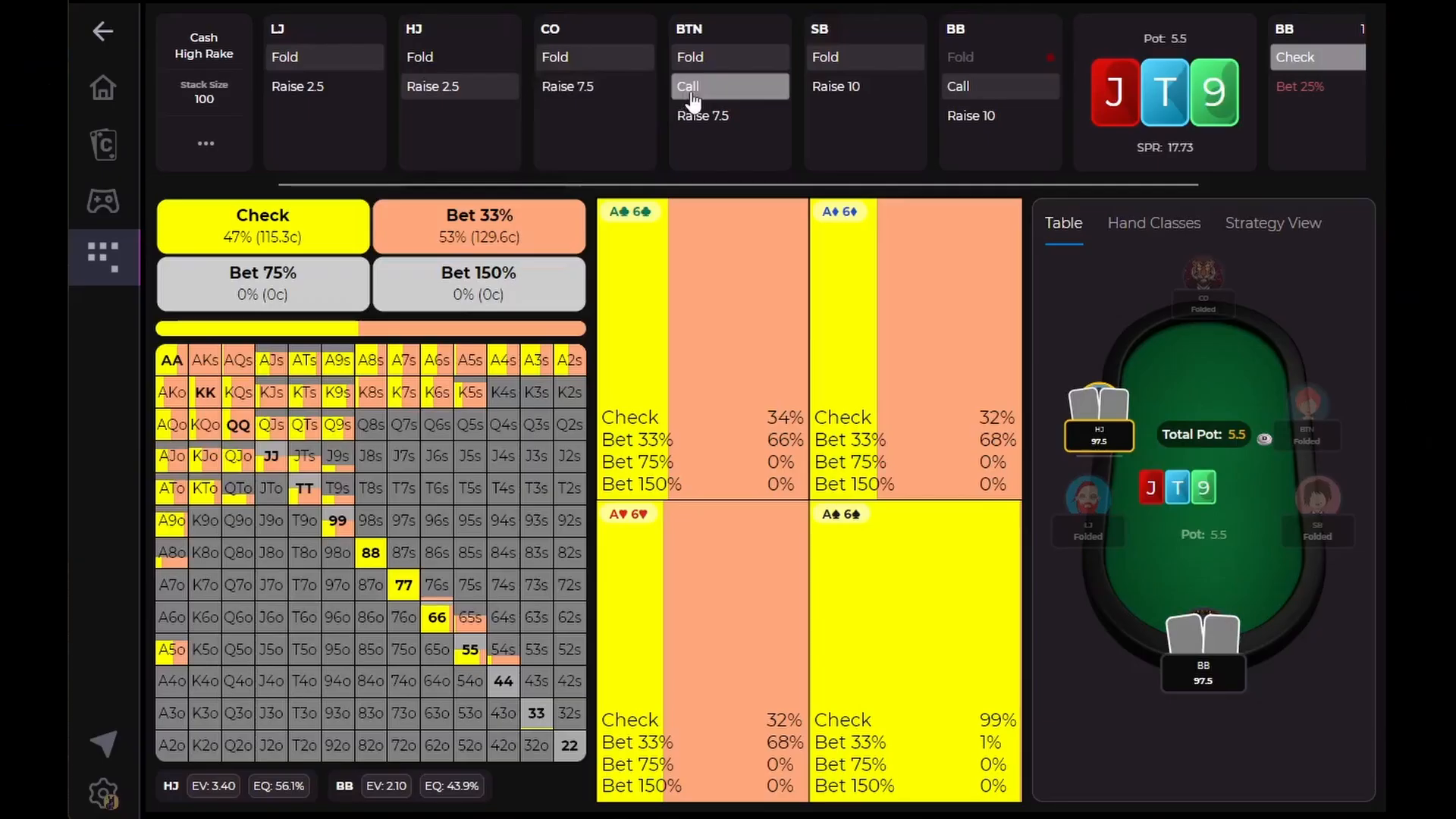
Learn how to use Lucid Poker's free Preflop GTO Trainer to drill preflop decisions, review your mistakes, and explore solver solutions in a few taps.
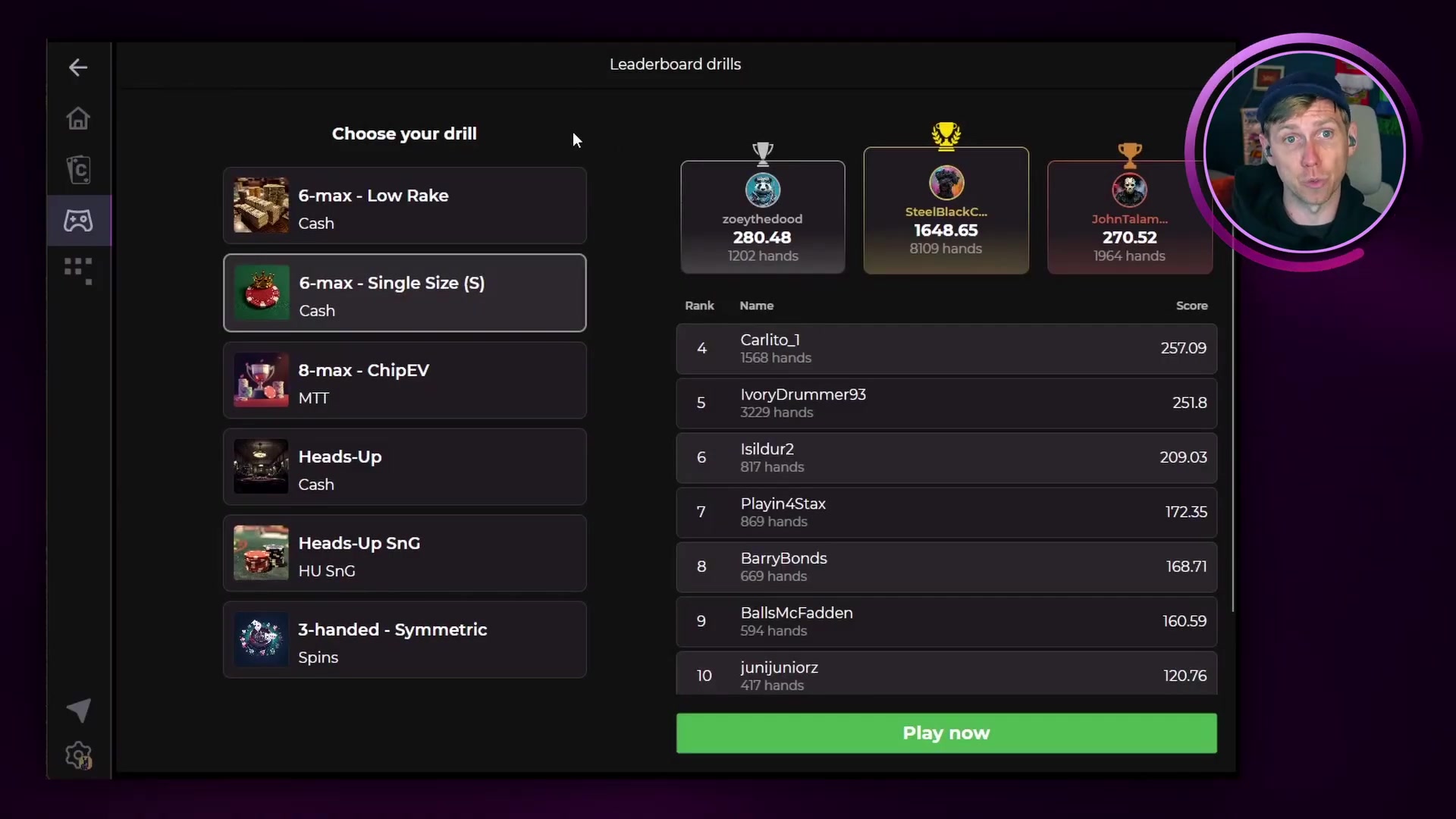
Compete against players worldwide using Leaderboard Drills. Everyone who plays at least one hand earns a raffle entry for the monthly grand prize.
Custom Drills let you build targeted practice sessions around specific spots, positions, stack depths, and board types. A Pro-only feature with full configuration options.
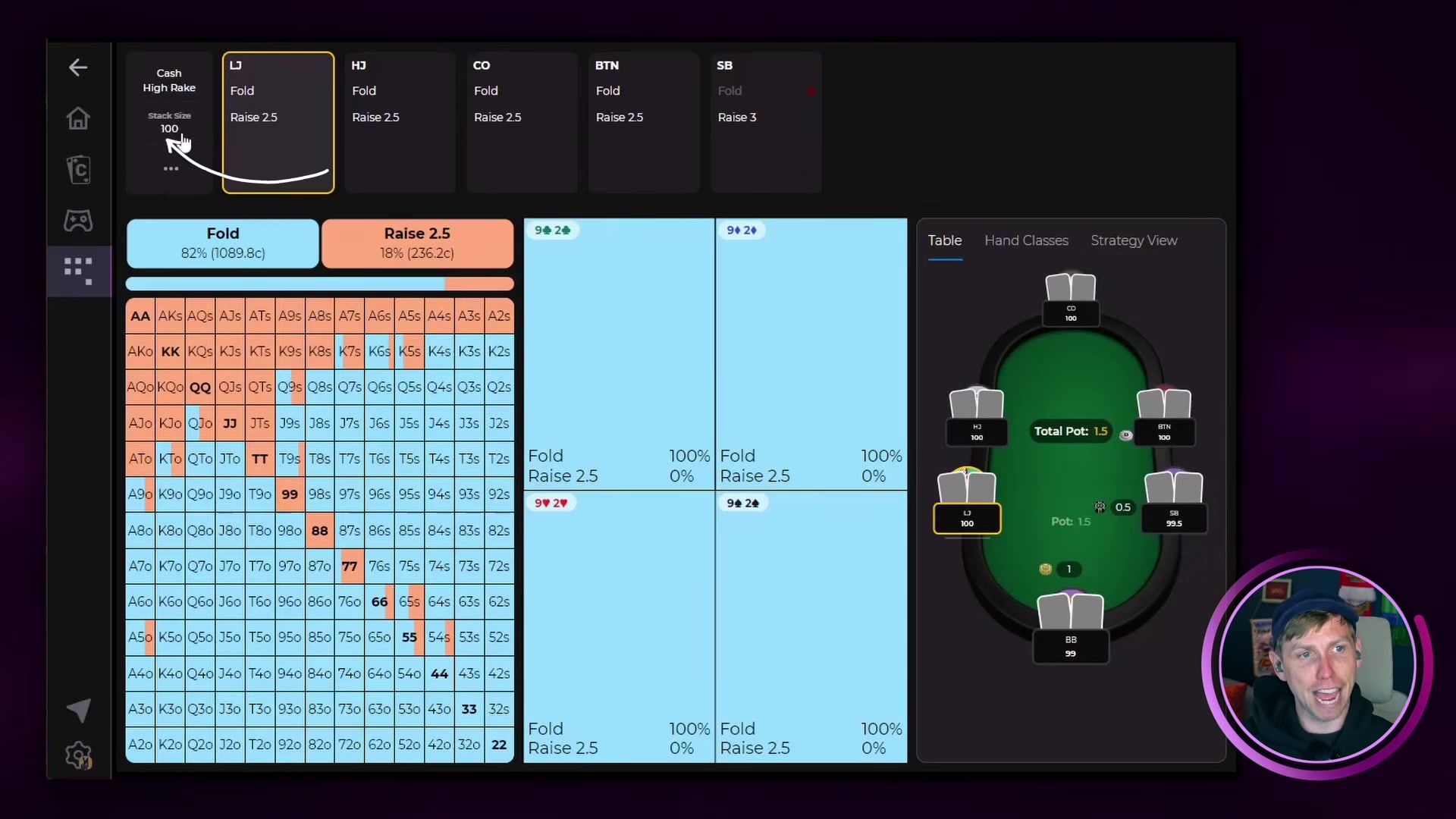
Learn how to navigate the Sim Browser, read hand grids, use equity and EV breakdowns, apply range filters, and run custom turn and river resolves with Lucid's built-in solver.
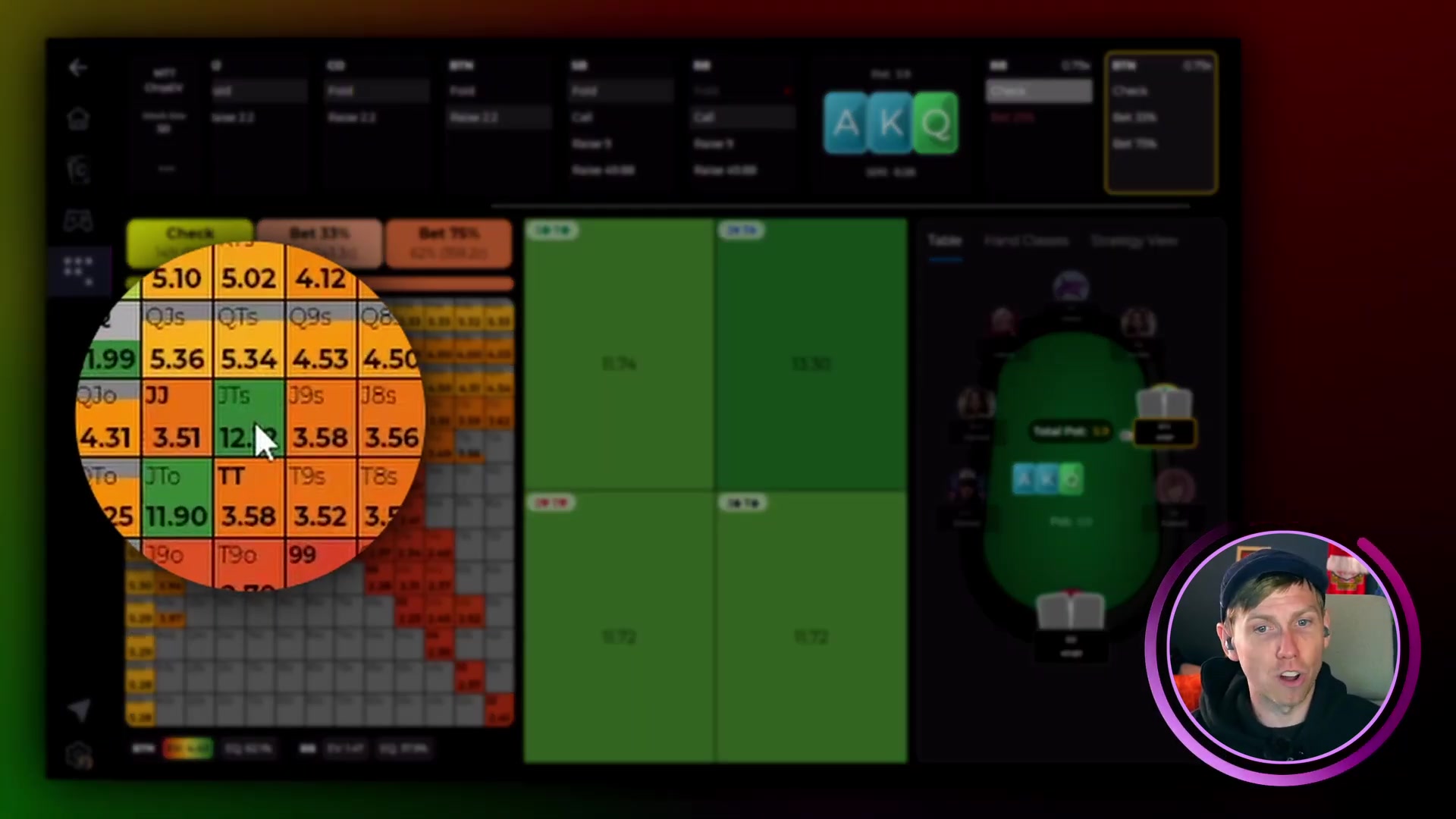
Heat maps let you see the EV and equity distribution across every hand in your range at a glance. They are available in the Sim Browser for any postflop situation.
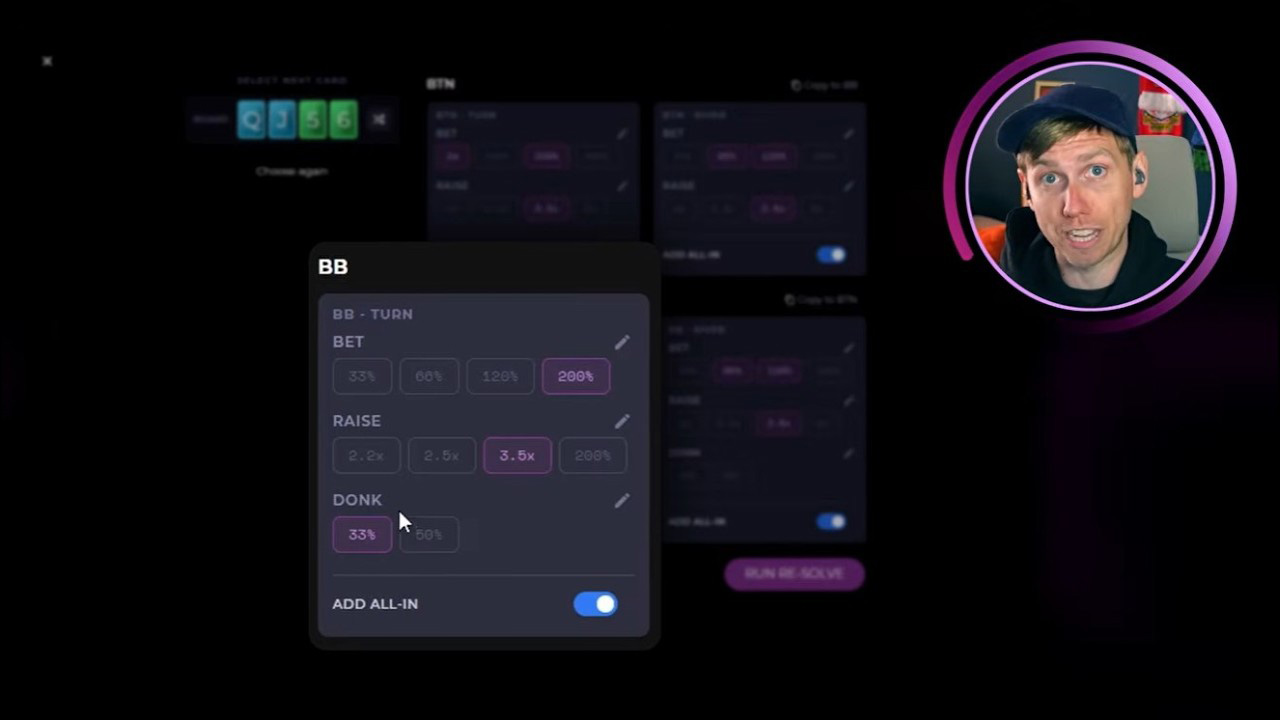
Custom solving re-solves any turn or river spot with the bet and raise sizes you choose. This guide covers the subtree builder, geometric sizing, and the three main ways to use it.
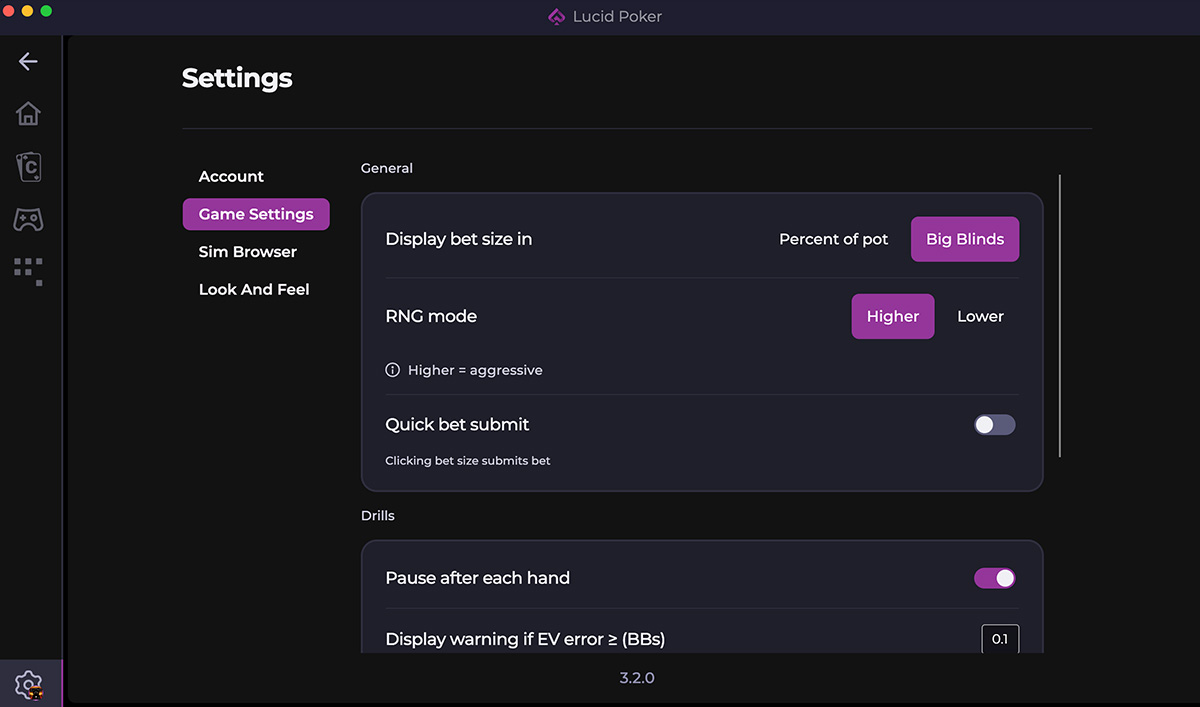
A complete walkthrough of every option in the Lucid Poker Settings panel, from profile and subscription to game settings, drill controls, and display preferences.